

Warehouse Transfer
When you need to move materials between warehouses — for example, from the central warehouse to a site warehouse — use the Transfer function. The system automatically deducts the quantity from the source warehouse and adds it to the destination warehouse.
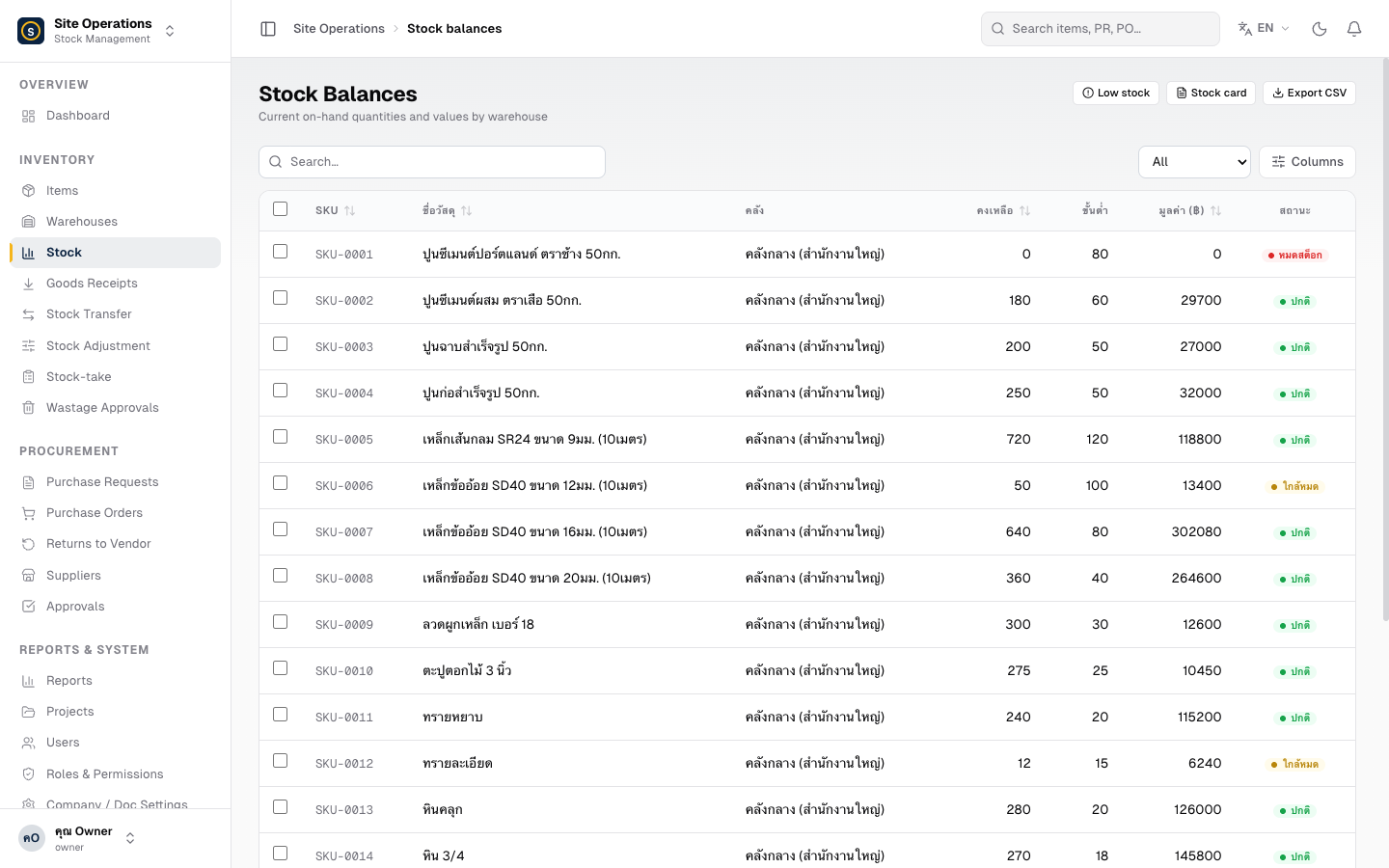
- Go to Stock → Transfer
- Click + New Transfer
- Select the Source Warehouse (the warehouse sending the stock)
- Select the Destination Warehouse (the warehouse receiving the stock) — must be different from the source
- Select the Item from the list, or type the name or SKU to search
- Enter the Quantity to transfer
- Click Save — the system immediately displays the updated balances for both warehouses