

Goods Receipt (GR)
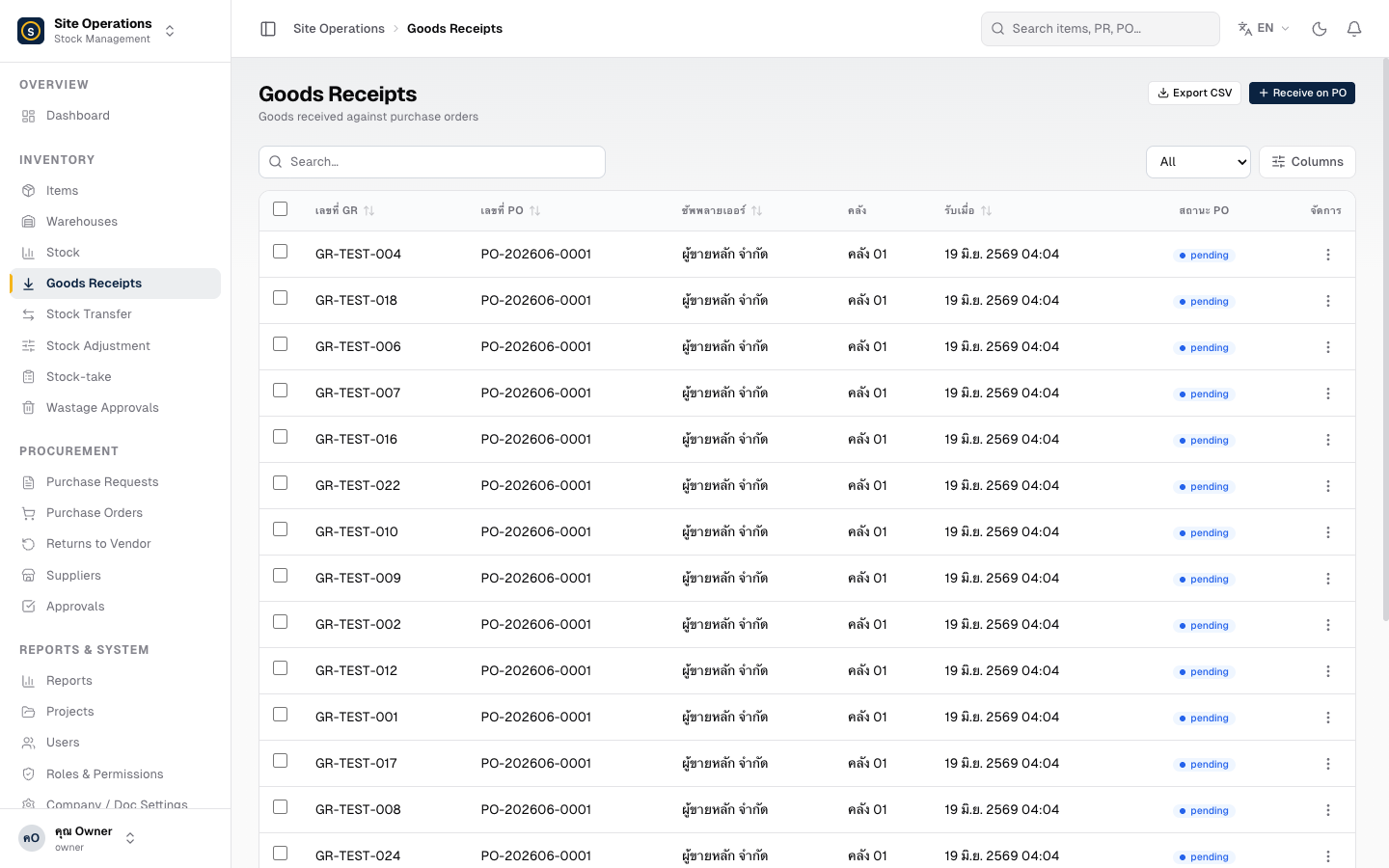
A Goods Receipt (GR) is the step where you record that goods have arrived at the warehouse. Once a GR is saved, the system updates the stock levels automatically — no additional steps are needed.
Receiving Goods into the Warehouse
Section titled “Receiving Goods into the Warehouse”- Go to Goods Receipt (GR) → click “Create Goods Receipt”
- Select the PO you are receiving against (search by PO number or supplier name)
- The system automatically pulls the line items from the selected PO
- Enter the Actual Quantity Received for each item:
- Full delivery → enter the quantity from the PO
- Partial delivery → enter only the quantity actually received (you can record the remainder later)
- Attach photo evidence (delivery note or photo of the arrived goods) — click the upload button in the form
- Click “Save Goods Receipt” — stock is updated immediately
What Happens After Saving a GR
Section titled “What Happens After Saving a GR”- Stock is updated — the warehouse quantity increases immediately
- PO status is updated — if all items are fully received, the PO status changes to “Completed”
- Movement history is recorded — the transaction is logged in the system for future reference and audit