

Projects
Projects allow you to track costs and material usage separately for each construction site. Every Purchase Request (PR) and material withdrawal can be linked to a project so that actual expenditure can be compared against the planned BOQ budget.
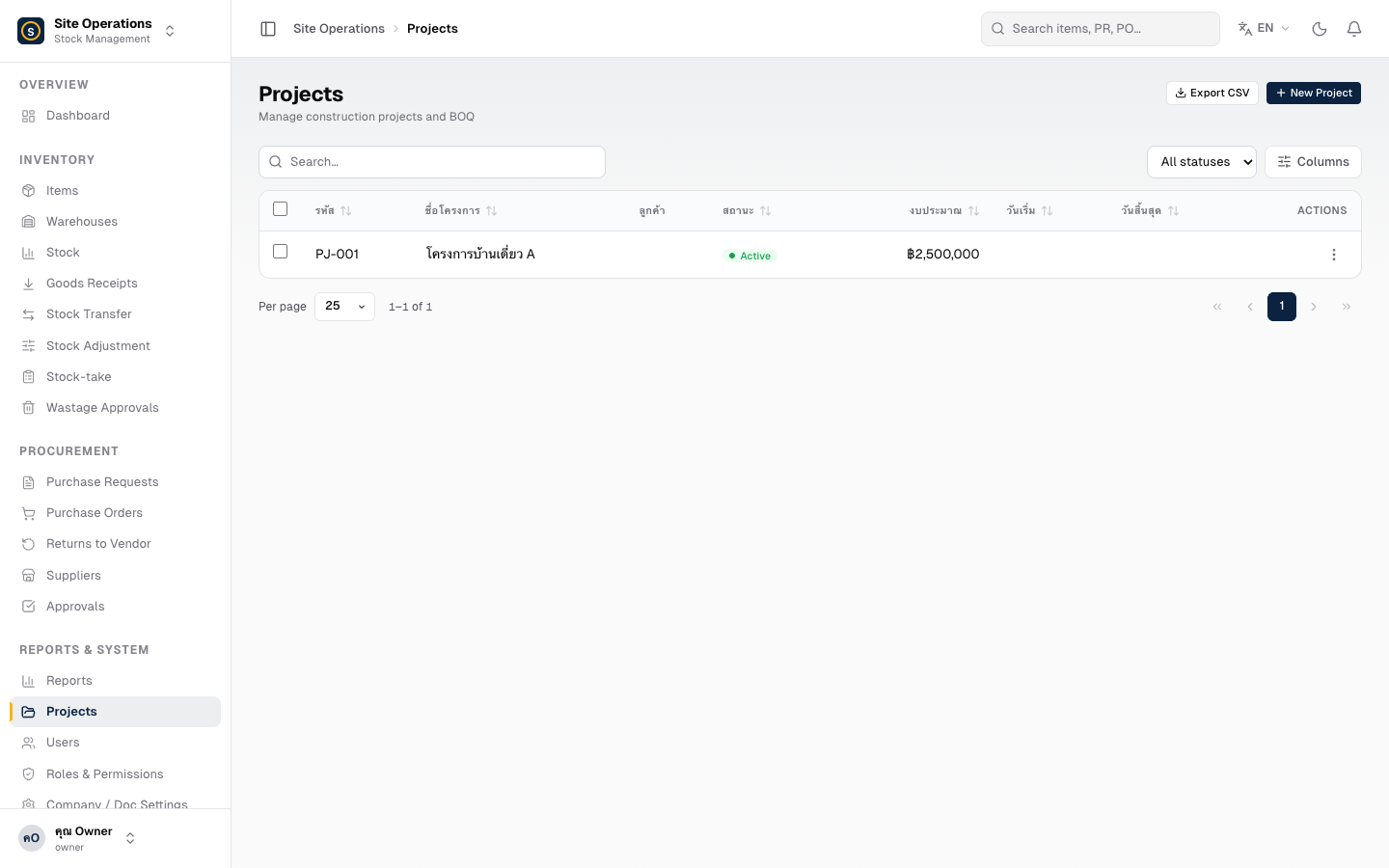
Steps — Create a New Project
Section titled “Steps — Create a New Project”- Go to Master Data → Projects
- Click + Create Project
- Fill in the details
- Project Name — the name referenced across all documents
- Project Manager — the person responsible
- Start / End Date (if applicable)
- Click Save
Set a BOQ Budget
Section titled “Set a BOQ Budget”A BOQ (Bill of Quantities) is a list of materials with estimated quantities and unit prices for the project.
- Open the project and click Edit BOQ
- Add material line items, specifying the estimated quantity and unit price for each
- Click Save — the system will compare actual costs against the BOQ in the project cost report
Close a Project
Section titled “Close a Project”When the work is complete, click the ⋯ (More) button and select Close Project. Closed projects remain viewable for historical reference but cannot be linked to new records.